


Local Business SEO Services: A Complete and H...
Read More
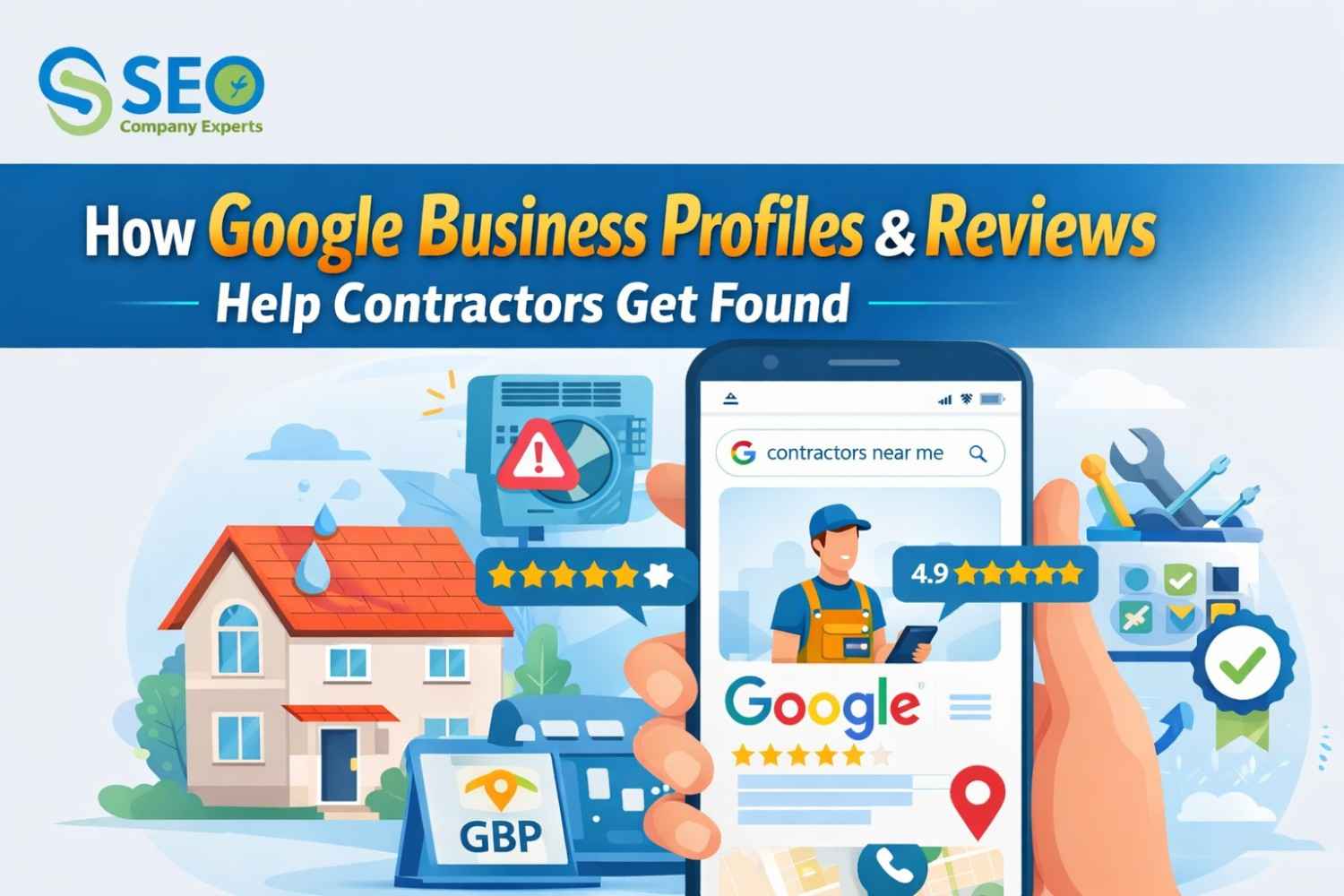
Every day, homeowners search Google for a trusted local contractor and the businesses showing up at the top aren’t there by accident. A fully optimized Google Business Profile combined with genuine customer reviews is the most powerful free tool a contractor can use to get found, build instant credibility, and turn local searches into booked jobs. If your business isn’t showing up, your competitor is already answering that call.
A Google Business Profile (GBP), formerly known as Google My Business is a free listing that lets your contracting company show up on Google Search and Google Maps. When you search for “roofing contractor near me,” “HVAC repair in San Diego,” or “best plumber in San Diego,” Google uses Business Profiles to populate results.
Think of your GBP as your digital storefront and it needs to look professional, be easy to find, and give people a reason to call you.
It displays your business name, phone number, address, service areas, hours of operation, photos, customer reviews, and even a direct link to your website.
You’ve probably seen it before without realizing it. When you search for a local service on Google, the first results that appear below any ads are a map followed by three business listings called the Google Local 3-Pack (or Local Pack). These three spots get the lion’s share of clicks for local service searches.
Google’s algorithm factors in three core criteria when selecting which businesses appear in the Local 3-Pack:
The good news is that all three of these factors are things you can actively influence. A contractor with a fully optimized profile and 50 quality reviews can absolutely outrank a competitor who has been in business twice as long but has neglected their online presence. That’s the beauty of local SEO. It levels the playing field.
Getting your GBP set up correctly from the start sets the foundation for everything else. Here’s a step-by-step breakdown of how to do it right:
Go to business.google.com and search for your business name. If it already exists (Google sometimes auto-generates listings), claim it. If not, create a new one. You’ll need to verify ownership usually via a postcard sent to your business address or via phone/email.
Fill in your business name exactly as it appears on your signage and website. Add your phone number, website URL, business hours (including holiday hours), and a detailed business description that naturally includes keywords like ‘licensed contractor,’ your service types, and your city or region.
Your primary category should be as specific as possible: ‘Roofing Contractor,’ ‘Plumber,’ ‘Electrician,’ ‘HVAC Contractor,’ etc. You can also add secondary categories for additional services you offer. Avoid being too broad (like ‘Contractor’) as it reduces your relevance for specific searches.
Most contractors operate out of a home office or shop rather than a customer-facing storefront. Set up your GBP as a ‘Service Area Business’ and define the cities, counties, or zip codes you serve. This tells Google exactly where to show your listing when people search locally.
Use the Services section to list every service you offer roof replacement, gutter installation, emergency leak repair, etc. Add descriptions and prices where possible. This directly improves your relevance score for specific search queries.
Activate the messaging feature so potential customers can text you directly from your GBP listing. If you use a scheduling tool, connect it so people can book appointments without ever leaving Google.
If your Google Business Profile is your digital storefront, then your reviews are your word-of-mouth reputation amplified to the entire internet. For contractors, reviews are arguably the single most powerful trust signal you can build online.
When a homeowner is about to let a stranger into their home to do work worth thousands of dollars, they are not going to hire blindly. They’re going to look at reviews. They’re going to count the stars. They’re going to read what real customers said about showing up on time, doing quality work, and treating the home with respect.
Google’s algorithm weighs review quantity, quality, and recency as part of its Local SEO Services ranking formula. A contractor with 80 reviews averaging 4.8 stars will almost always outrank a competitor with 10 reviews averaging 4.2 stars, everything else being equal. More reviews = more prominence = higher rank = more leads.
Before a prospect ever picks up the phone to call you, they’ve already formed an opinion based on your reviews. A stream of recent, detailed, positive reviews creates social proof that tells new customers: ‘Other real people hired this contractor and had a great experience. I can trust them.’ That trust converts to booked jobs.
In most markets, there are dozens of contractors competing for the same customers. Reviews give you a clear, quantifiable way to stand out. A 4.9-star rating with 120 reviews is a competitive advantage that no amount of Facebook advertising can buy. It’s earned, and it’s permanent.
Most contractors do excellent work but fail to ask for reviews at the right time or in the right way. Here’s how to build a consistent stream of genuine, high-quality reviews:
The best time to ask for a review is immediately after you’ve completed the job and the customer has expressed satisfaction. Say something like: ‘I’m so glad you’re happy with how it turned out! Would you mind taking 2 minutes to leave us a Google review? It really helps our small business.’ Then hand them a card with a QR code or short link directly to your review page.
Within 24 – 48 hours of completing a job, send a short, personalized message thanking the customer and including a direct link to your Google review page. Keep it brief and genuine a simple ‘It was great working with you. Here’s a quick link if you’d like to share your experience.z
Print simple business cards that say ‘Love our work? Tell Google!’ with a QR code linking directly to your Google review form. Leave these behind at every job, tape them to your invoice, or include them in your welcome package.
If you have employees or subcontractors, make a review-asking part of the job wrap-up checklist. When every team member asks every customer, you multiply your review collection rate dramatically.
CRM tools like Jobber, Service Titan, House call Pro, or even simple tools like Birdseye or Nice Job can automatically send review request texts or emails after a job is marked complete. Once set up, this runs on autopilot.
One of the most overlooked aspects of Google review management is responding to reviews both positive and negative. Responding to reviews signals to Google that you are an active, engaged business, which positively impacts your ranking. More importantly, it signals to potential customers that you actually care.
Don’t just say ‘Thanks!’ make it personal and professional. Reference the specific job or service where possible. Example: ‘Thank you so much, John! We loved working on your kitchen remodel and are thrilled you’re happy with the outcome. It was a pleasure don’t hesitate to call us for any future projects!’
Negative reviews are inevitable, but how you respond matters just as much as the review itself. Future customers are watching to see how you handle criticism. Always respond with professionalism and empathy, never defensiveness or anger. A well-handled negative review can actually increase trust, because it shows you stand behind your work.
Photos are one of the most powerful and most underused features of a contractor’s Google Business Profile. According to Google’s own data, businesses with photos receive 42% more requests for directions and 35% more website click-throughs than those without photos.
Before-and-after photos are the most powerful format for contractors. A weathered, damaged roof transformed into a beautiful new installation tells the story of your work better than any written description. Upload photos of completed projects across all the services you offer. Also include photos of your crew at work (with safety gear on), your branded vehicles, and your team.
Aim to add at least 2 – 4 new photos per month. Fresh, regular uploads signal to Google that your business is active and thriving. GBP also has a ‘Posts’ feature similar to social media where you can share project updates, seasonal promotions, tips for homeowners, and special offers.
Even contractors who have a GBP often leave serious ranking and lead-generation potential on the table. Here are the most common mistakes and how to fix them:
Your Google Business Profile is free, powerful, and often the deciding factor in whether a potential customer calls you or calls someone else. Combined with a steady stream of authentic Google reviews, consistent photos, and regular engagement, your GBP becomes a 24/7 lead-generation machine that works while you’re on the job, at home, or asleep.
The contractors who invest time in their online presence today are the ones who will have full calendars, stable businesses, and strong brands tomorrow. You don’t need a big marketing budget you just need to show up, be genuine, and let your satisfied customers do the talking.